Virtual machines, containers or Kubernetes: how much infrastructure do we need?
Series II: From infrastructure to agentic projects in production. Episode 02 of 20.
In the previous episode, we considered where the pieces of a fictional B2B requests and documents portal might run. The next question is how to package and operate them. A virtual machine, a container, and Kubernetes are not three sizes of the same product. They solve different problems and can work together. For an SME, the central decision is how much separation and automation the team can actually support while meeting the business's availability requirements.
What each option isolates
A virtual machine, or VM, is a software-defined computer with its own operating system. A hypervisor divides a physical server's resources among several VMs. A company can, for example, separate the application from the database and operate or restore each environment according to a plan. If all the VMs depend on the same physical server, an outage of that server can affect all of them. Virtualization alone does not create high availability.
A container is an isolated process packaged with the files and libraries an application needs. Multiple containers on the same system share the operating-system kernel, unlike VMs, which run their own operating systems. A container image is the package from which the process starts. It helps reproduce an environment between development and production, but does not automatically include persistent data, backups, or security updates. Container isolation also depends on privileges, volumes, networking, and host configuration; it is not equivalent to a VM boundary in every situation.
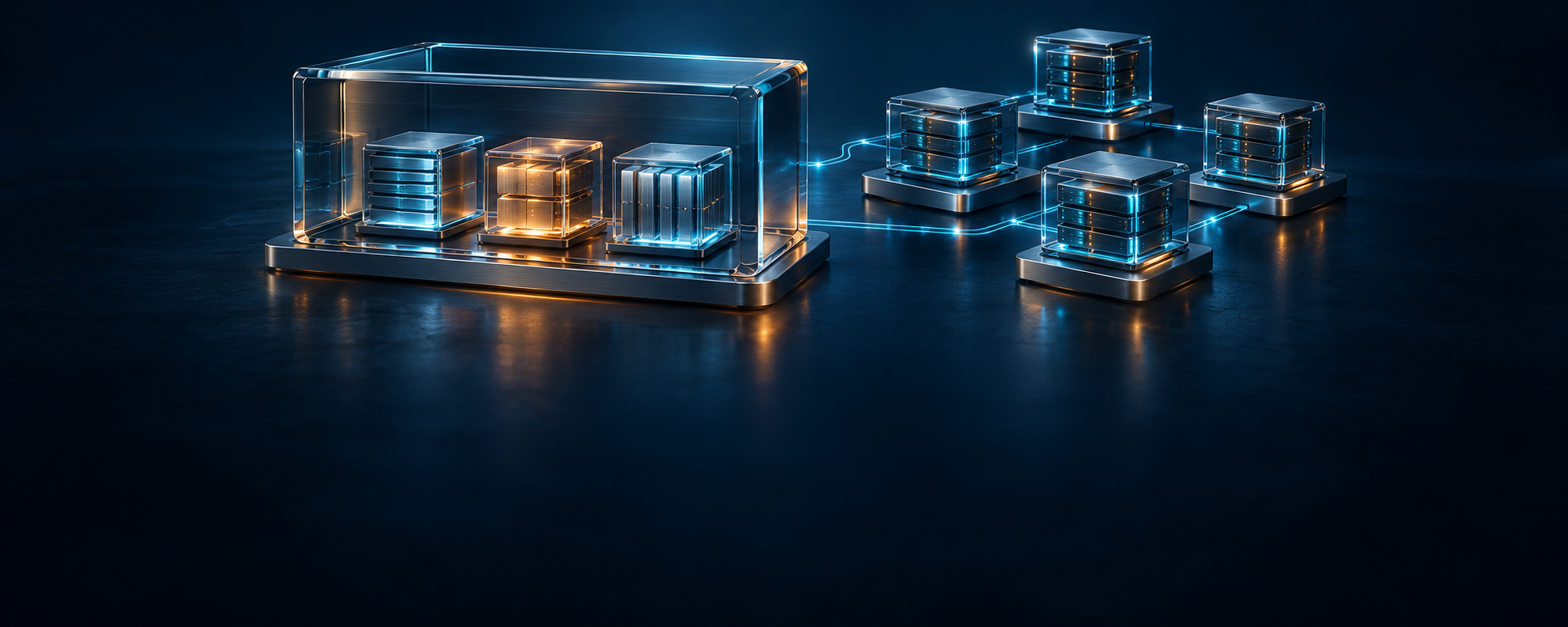
There is no need to choose between a VM and a container. A VM can host several containers while maintaining a clear boundary between the application and the company's other systems. Docker Compose can describe the services, networks, and volumes of a multi-container application and has official guidance for production use. Updates, monitoring, backups, and host failure still need separate plans.
What Kubernetes adds
Orchestration means that a platform tracks the desired state of components and tries to run them where resources are available. Kubernetes distributes containerized workloads across nodes, the machines in a cluster. A Pod is a running unit that groups one or more containers. A Deployment can maintain the desired number of Pods for a stateless component and coordinate gradual updates.
These capabilities become useful when the application has replicas, or instances of the same component, across multiple nodes, frequent changes, and genuine scaling or recovery requirements. But Kubernetes does not build the application, supply a database by default, or solve storage, observability, or security on its own. A production cluster requires decisions about nodes, networking, certificates, access control, storage, updates, and the availability of the control plane, meaning the services that manage the cluster. A managed service can shift some tasks to a provider, but the team remains responsible for application configuration and data.
Google's research on Borg, Omega, and Kubernetes describes experience managing containers at a large scale. It provides context for the orchestration problem, not evidence that every small company needs the same complexity. Do not size a project around the architecture of a global platform.
The B2B portal: a starting scenario
Suppose, explicitly as a hypothetical scenario, that the portal's interface and API, the endpoint through which systems exchange requests, run in a cloud environment while documents and the database initially remain on company infrastructure. The latency and connectivity conditions from episode 01 must be measured before accepting this split. One option to test uses a VM for the application, with separate containers for the interface, API, and a background process that handles requests. The database and documents have a separate environment operated under company policy. Access between environments is controlled; the database is not exposed directly to the public internet.
The background process may later include an AI agent integrated into the portal that classifies a request or proposes a summary for an operator. The AI agents the development team uses to write and test code are different: their access and working environments are determined separately. Putting the agent inside a container does not automatically grant it permission to read every document or approve a request.
In this option, Compose can describe the application's services. For the database, we choose a solution with persistent storage and tested backups, either on a VM or in a managed service if the data placement rules allow it. We do not keep the only copy of documents in a container's temporary layer. A single application server remains a single point of failure: the project record states the acceptable recovery time, who responds, and what happens if the VM or the link between environments fails. This is an option to validate, not a certified architecture for every portal.
For each release, keep the container image version, the applied configuration, and the steps for rolling back. An automatic restart can bring a process back, but cannot fix an incorrect change to data. Reverting to an earlier image does not automatically reverse a database schema change either. Therefore, test updates and restoration in a separate environment with appropriate test data before using them for real requests. Measure downtime and tell operators which functions are unavailable.
When the next step is justified
Before adding Kubernetes, check whether the problem really is orchestration across multiple nodes. It may be enough to fix a manual release process, separate the database, add monitoring, or test restoration. If requests increase, measure utilization, operation time, and incident frequency. A clear need to replicate the application across distinct nodes, update without interruption, and a team able to operate the platform can justify evaluating Kubernetes or a managed platform. Even then, availability depends on the actual configuration and failure tests.
Component | Proposed pilot setup | Question to verify |
|---|---|---|
Interface and API | Containers in an application VM | Can they be updated and restarted without losing requests? |
Background process and portal agent | Separate container with limited rights | What happens when a request is retried after an error? |
Database and documents | Separate environment with persistent storage | Has restoration and access between environments been tested? |
Host and network | Explicitly managed VM and connection | Who responds when the host or link fails? |
The result is a runtime map for the portal. For each component, record its host, packaging, persistent data, operational owner, failure scenario, and evidence from testing. Add a precise condition for changing the setup, not a vague promise of “scaling”. In the next episode, we will separate the networks and establish which traffic is allowed between these components.
Sources
- Red Hat, What is KVM? (April 16, 2026), for hypervisors and virtual machines.
- Docker Docs, What is a container?, for the distinction between VMs and containers.
- Docker Docs, Use Compose in production, for using Compose in production.
- Kubernetes, Overview and Production environment, for platform capabilities and operational responsibilities.
- Burns et al., Borg, Omega, and Kubernetes, ACM Queue (2016), academic context for large-scale orchestration.
Next step
Need a platform your team can realistically operate? Talk with i8 about a runtime map and the tests your project needs.