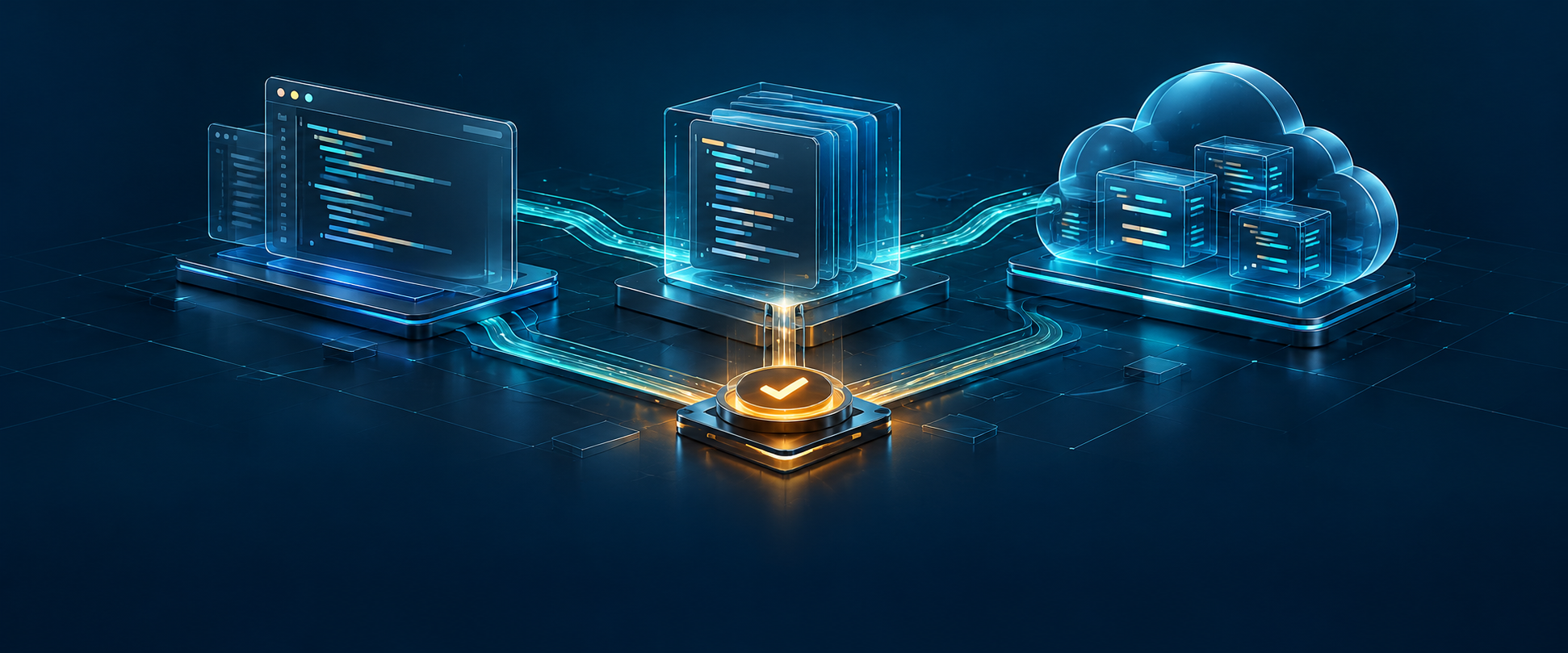
# IDE, terminal or cloud? How to choose development tools for AI agents
Once the repository has been prepared for agent-assisted work, the next decision isn't which model tops the leaderboard, but where we allow the agent to operate. An agent can appear in an IDE, in a terminal, or in an asynchronous cloud environment. All can modify files and run commands, but vary in terms of access, isolation, feedback speed, and how a person reviews the outcome.
For a small or medium-sized company, a practical choice starts with the task and the associated risk. The core principle is simple: choose the execution surface that restricts access sufficiently and creates a suitable review path for the change. The language model matters, but it can’t by itself resolve permissions, secrets, test environment, or code approval.
Four questions before picking your tool
The terms “local” and “cloud” can be misleading. A locally installed extension can send context to an external service, and a local terminal can control a remote container or server. Therefore, separate four questions:
- Where is the code and commands executed? On a laptop, in a container, on a development server, or in a temporary cloud environment?
- Where does the model run? A local client doesn’t automatically mean local inference. Check the provider, plan, data retention, and usage terms.
- What tools and permissions does the agent get? Can it only read files, or can it write, run shell commands, access the network, and call external services?
- How does the change reach a human? As a diff shown in the editor, local commit, session log, or pull request?
These answers describe the real trust boundary. The interface is just the visible layer.
Same scenario for all three options
Let’s use a hypothetical scenario from the series’ B2B portal. The team needs to add PDF file validation for uploads: size limit, type check, error message, and automated tests. The acceptance criteria are the same, and the repository includes the installation, testing, and verification commands described in the previous episode.
Testing the same task across three environments is more meaningful than comparing unrelated demos. If possible, use the same model, instructions, and code version. This way, you compare the working surface, not mix up tool effect with the model’s capabilities.
Agent in IDE: fast feedback and visual control
IDE stands for integrated development environment. It combines the editor, code navigation, diagnostics, testing, and version control. An agent integrated here can use the open file, editor errors, and the current selection, while the developer can review the differences as they happen.
This option suits ambiguous or interactive tasks: clarifying a validation rule, refactoring a function, or fixing a test with human involvement. For our example, the developer can immediately check if the error message matches the interface style and stop an overly broad change.
The risk is proximity to the developer’s real environment. If the agent gets terminal access, it may inherit access to files, keys, or services available to the local account. Explicit approvals, limiting the working directory, and sandboxing reduce exposure. A sandbox is an isolated space that restricts access to the file system and network, but the exact setup must be confirmed for each product.
Agent in terminal: composition and automation
CLI, or command-line interface, fits teams already working with shell, containers, and scripts. The agent can be launched in the project directory, on a dev machine, or in an isolated environment. The advantage is composition: the same test, lint, and build commands humans use can go into a repeatable workflow.
For PDF validation, the agent can update the implementation, run the relevant suite, and show the Git diff. The terminal is also useful on servers without a graphical interface. Still, shell access is powerful authority. A command approved in an insufficiently isolated environment can reach beyond the repository. The team should define allowed directories, network access, forbidden commands, and how to restore a clean state.
Asynchronous cloud agent: bounded delegation
An asynchronous cloud agent receives a task, works in a platform-provided environment, and usually returns a branch or pull request. The environment can be temporary and separate from the developer’s laptop. This approach is ideal for well-defined tasks, parallel work, and longer operations that don’t require continuous feedback.
In the portal scenario, the agent could implement validation and tests in a separate branch, then the team would review the log, diff, and CI results. The advantage isn’t unlimited autonomy, but a carefully bounded work package.
Cloud also comes with operational costs. The environment must be able to install the project without hidden steps, and access to private registries, test services, or internal docs must be explicitly granted. Some platforms limit session length, repositories, or integrations based on product and plan. Always check the current documentation; don’t assume all services offer the same capabilities.
Selection grid for team
Criterion | IDE | Terminal | Asynchronous cloud |
|---|---|---|---|
Human feedback | Continuous, in editor | On demand, via diff and logs | At submission, via branch or pull request |
Execution location | Usually the developer’s environment | Local, container, or server | Platform-managed environment |
Best fit | Exploration, debugging, interactive changes | Repeatable flows and automation | Clear, independent, and parallel tasks |
Isolation | Depends on sandbox and permissions | Depends on the environment from which it’s launched | Usually separate, but configurable |
Point of attention | Secrets and local access | Shell command authority | Missing context, limits, and access to private services |
The grid doesn’t designate a winner. A hybrid workflow is often more realistic: planning and debugging in the IDE, reproducible checks in the terminal, then delegating a well-defined change in the cloud.
MCP extends access, does not guarantee trust
Model Context Protocol, presented earlier in the series, can connect the agent to documentation, tasks, or other services. It standardizes integration, but does not certify the server and doesn’t automatically turn tools into safe operations. MCP feature availability varies between products and surfaces.
Activate only the servers needed for the task and only the required tools on each server. For PDF validation, reading the requirement from the project system may be justified; modifying tasks or accessing other repositories may not be. Treat each new tool as an extension of the agent’s authority.
A practical evaluation, not just an impression
For each option, log setup time, necessary human interventions, passed checks, unexpected file or network access requests, clarity of differences, and ease of rollback. Don’t base a universal verdict on a single test. Repeat with a quick debugging task and a well-specified one.
Before adoption, document answers to security questions: what data leaves the environment, how long is it retained, which credentials are visible, what network destinations are allowed, what logs remain, and who can approve integration into the protected branch.
In this episode, we’re talking about agents who develop the portal. Agents integrated into the application—for example, an assistant that classifies client documents—have different identities, data, and execution limits. The two categories should not implicitly share the same secrets or permissions.
The useful result for the team is a brief policy: IDE for interactive work, terminal for controlled, reproducible flows, cloud for well-defined autonomous delegation. The next episode will use this foundation to decide when a single agent is enough and when coordinating multiple agents is valuable.
Sources
Choose agentic development tools
Want to pick an agentic development workflow that fits your project and risk level? Talk to the i8 team.